
TCL Air Conditioner Remote Symbols Explained: What Every Icon Means
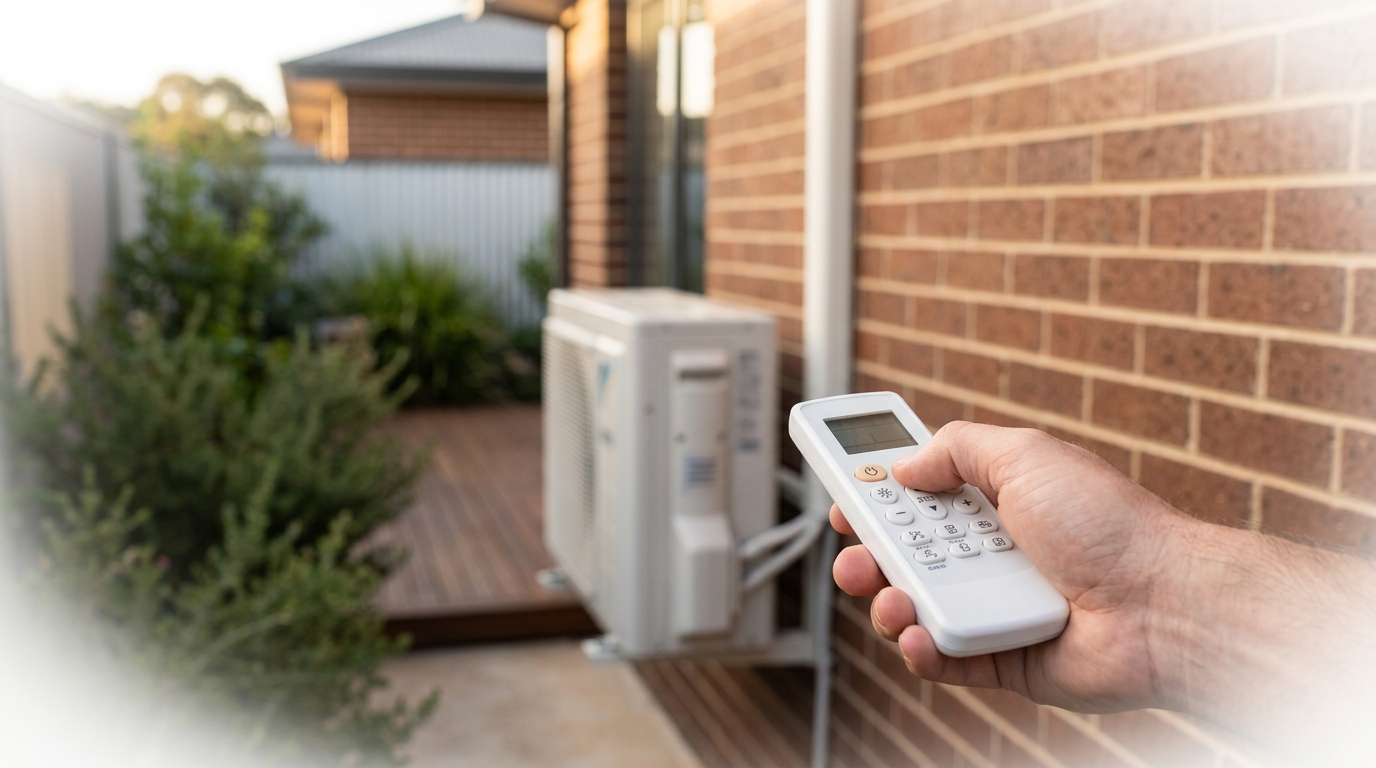
TCL Air Conditioner Remote Symbols: Why They Can Be Confusing
TCL air conditioner remote symbols can be genuinely puzzling. TCL packs a lot of functionality into a compact remote, and the small LCD screen displays a mix of pictograms, letters and abbreviations that are not always self-explanatory. If you have ever pressed a button and ended up with the unit doing something unexpected, you are not alone. This article covers the four main areas where confusion tends to strike: operating mode symbols, fan and airflow symbols, special function symbols and error or warning indicators. By the end, you will know exactly what each icon means and how to get the most out of your unit.
Key takeaways
- TCL air conditioner remote symbols control five core modes: Cool, Heat, Dry, Fan and Auto.
- Fan speed and airflow direction settings significantly impact comfort and energy efficiency.
- Special functions like Sleep, Turbo and Timer offer practical control for different situations.
Operating Mode Symbols on a TCL Remote
The operating mode symbols on a TCL remote control tell the unit what job it should be doing. There are five core modes available on most TCL split systems, each represented by a small pictogram on the remote's LCD screen. The active mode is usually shown as a solid or highlighted icon, while inactive modes appear faint or disappear entirely. Understanding these five symbols is the single most useful thing you can do to get comfortable with your remote.
Cool, Heat, Dry, Fan and Auto: What Each Mode Does
Cool (snowflake icon) is the mode most Australians use most of the time. The snowflake pictogram appears on the LCD when the unit is actively cooling the room. The system draws warm air across a refrigerant coil, drops the temperature and pushes cooled air back out. This is your go-to mode on a hot summer day anywhere from Perth to Brisbane.
Heat (sun or flame icon) activates the reverse-cycle heating function. The remote displays a sun or stylised flame symbol to indicate the unit is now extracting heat from the outside air and transferring it indoors. This mode is particularly useful in Melbourne and Canberra winters, where overnight temperatures can drop well below 10 degrees Celsius. Most modern TCL inverter units maintain efficient heating down to around minus 15 degrees Celsius outside.
Dry (water droplet icon) reduces humidity without dramatically lowering the air temperature. The water droplet pictogram signals that the unit is running the compressor at a low, steady rate to pull moisture out of the air. This mode is ideal during humid Queensland summers or coastal conditions where the air feels sticky even when it is not especially hot. It uses less energy than full Cool mode and leaves the room feeling fresher rather than cold.
Fan Only (fan blades icon) runs the indoor fan without activating the compressor at all. The fan blades symbol on the LCD means no cooling or heating is happening. This mode simply circulates air around the room, which can be enough on a mild day or useful for ventilating a space. Because the compressor stays off, Fan Only mode draws very little power.
Auto (circular arrows or letter 'A' icon) lets the unit decide which mode to use based on the current room temperature versus your set temperature. The circular arrows or 'A' symbol indicates the system is managing itself. If the room is warmer than the target, it cools; if it is cooler, it heats. Auto mode is convenient but gives you less direct control, so most experienced users prefer to set the mode manually once they know their climate and preferences.
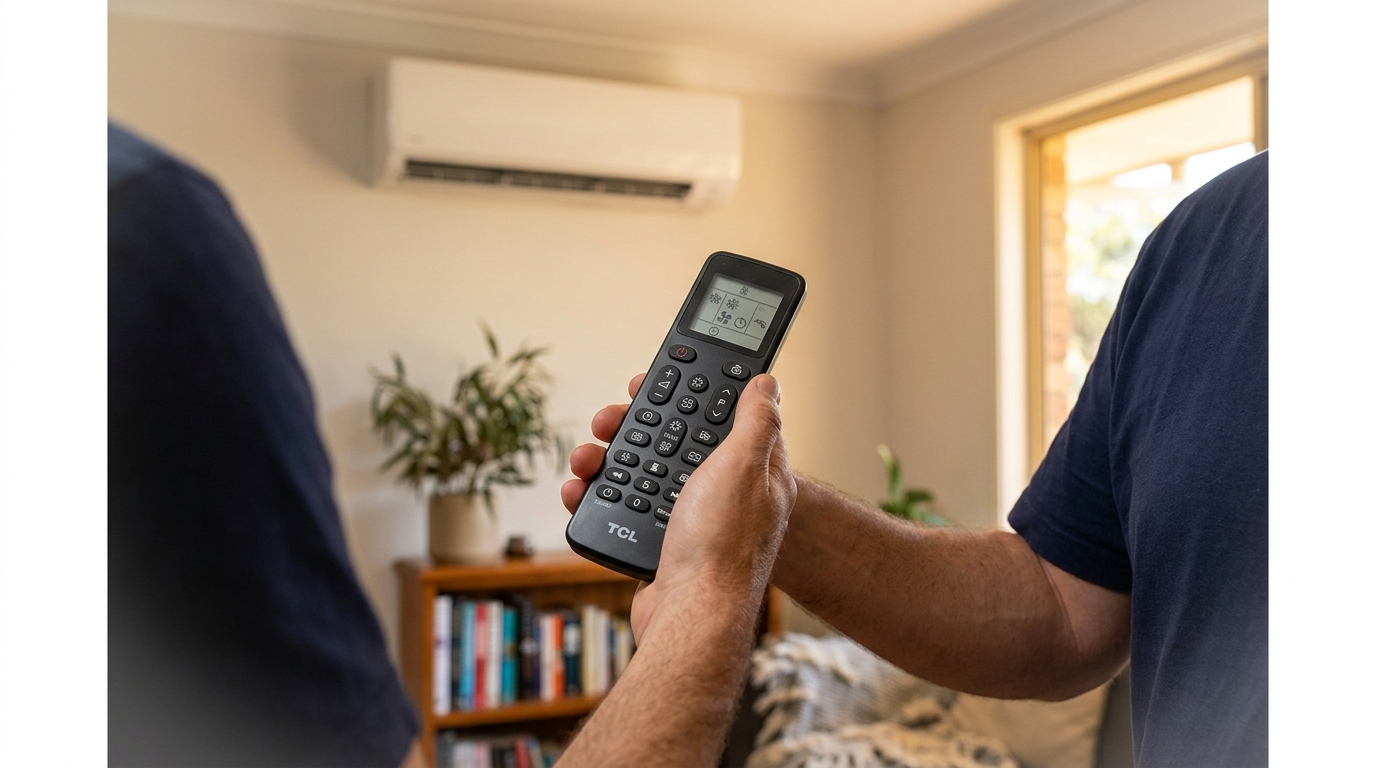
Fan Speed and Airflow Direction Symbols
Fan speed and airflow direction symbols on a TCL remote control how hard the unit blows air and where that air goes in the room. Fan speed is typically shown as one, two or three bars (representing Low, Medium and High) or as a fan blade icon with a number beside it. An 'Auto' fan setting, often labelled 'Auto' or shown as a fan blade with a small 'A', lets the unit adjust fan speed automatically based on how far the room temperature is from your target.
Choosing the right fan speed makes a real difference to comfort. High fan speed reaches your set temperature faster but can feel draughty and is noisier. Low fan speed is quieter and better for maintaining a stable temperature once the room has already cooled or heated. Auto fan is a practical middle ground for most everyday use, since the unit ramps up when it needs to and settles back down once the room is comfortable.
Airflow direction is controlled by two separate symbols on most TCL remotes. The up-down swing symbol, usually shown as a set of horizontal lines with a curved or straight arrow, controls the vertical flap on the indoor unit. Pressing this button toggles the flap between a fixed position and a continuous sweeping motion that distributes air across the full height of the room. Some TCL models also include a left-right louvre symbol, typically shown as vertical lines with a side arrow, which controls horizontal airflow distribution.
Getting the airflow direction right matters more than most people realise. In cooling mode, pointing the flap upward allows cool air to fall naturally across the room rather than blasting directly at occupants. In heating mode, angling the flap downward pushes warm air toward the floor where it rises and heats the space more evenly. Using the swing function in either mode helps eliminate hot or cold spots and reduces the time the unit needs to run at full capacity.
Special Function Symbols: Sleep, Turbo, Timer and More
TCL remotes include several special function symbols beyond the basic mode and fan controls. These icons handle overnight comfort, rapid cooling or heating, scheduled operation and safety features. Most TCL split systems, including the TCL 2.5kW BreezeIN T-Pro Inverter Split System (TAC-10CHSD/VEIH) priced from $699, include Sleep, Turbo and Timer buttons as standard on the remote. Knowing what each symbol does means you can actually use these features rather than accidentally activating them.
Sleep mode (moon icon) is designed for overnight use. Once activated, the unit gradually adjusts the set temperature by one or two degrees over a few hours, reducing energy consumption while keeping you comfortable as your body temperature naturally drops during sleep. It also typically lowers the fan speed to minimise noise.
Turbo or Powerful mode (lightning bolt or running figure icon) runs the compressor and fan at maximum capacity to reach your set temperature as quickly as possible. This is useful when you walk into a very hot or cold room and want rapid results. Most TCL units automatically exit Turbo mode after 15 to 30 minutes and return to normal operation.
Economy or Energy Saver mode (leaf or 'ECO' text) limits the compressor's maximum output to reduce power draw. The trade-off is a slower path to your set temperature, but lower running costs over a long session. This mode suits mild days where you are not in a hurry to change the room temperature.
Timer (clock icon) lets you programme the unit to switch on or off at a set time. This is one of the most practical features on any remote, letting you pre-cool a room before you arrive home or set the unit to turn off after you fall asleep.
Lock (padlock icon) activates the child lock, which disables all button input on the remote. A single press (or sometimes a press-and-hold) locks the remote so that settings cannot be accidentally changed. Press and hold again to unlock it.
How to Set the Timer on a TCL Remote
The exact button labels vary slightly between TCL models, but the process follows the same sequence on most units.
- Press the Timer button on the remote. The timer icon and a time value will appear on the LCD screen.
- Use the up and down arrow buttons to adjust the number of hours until the unit switches on or off. Each press typically moves the time in 30-minute or one-hour increments.
- If your remote has separate 'On Timer' and 'Off Timer' options, press the Timer button again to toggle between them and repeat the arrow adjustment for each.
- Press the Set or OK button to confirm your selection. On some TCL models this step is automatic after a few seconds of inactivity.
- Check that the timer icon remains visible on the remote's LCD display. If it disappears, the timer was not saved and you will need to repeat the process.
TCL Remote Warning Indicators and Error Codes
TCL air conditioner warning indicators fall into two categories: routine reminders that appear after normal use, and error codes that signal a genuine fault. Most of the time, a flashing light or unfamiliar symbol on your remote or indoor unit is nothing to worry about. The TCL 5.2kW BreezeIN T-Pro Inverter Split System (TAC-18CHSD/VEIH), priced at $1,058, is a good example of a mid-range TCL unit that displays both filter-clean reminders and defrost indicators as part of normal operation.
Clean Filter Reminder
The filter icon or 'FL' text appears on the remote display or indoor unit after a set number of operating hours, typically between 250 and 500 hours depending on the model. This is a timer-based reminder, not a sensor reading, so it will appear even if your filters are still reasonably clean. To clear it, remove and clean the filters, then hold the Reset button (sometimes labelled 'Filter Reset') on the indoor unit for three to five seconds until the indicator disappears. If you skip this step, the reminder will stay on screen even after cleaning.
Defrost Indicator
A snowflake or 'DEF' indicator appearing during heating mode is completely normal. This means the outdoor unit has detected ice forming on its coil and has temporarily switched into a defrost cycle to melt it. The indoor unit will stop blowing warm air for a few minutes while this happens. Once the cycle completes, heating resumes automatically. You do not need to do anything.
Error Codes
Alphanumeric codes such as E1, E3 and F3 are a different matter. These codes point to a specific system fault, such as a sensor failure, refrigerant pressure issue or communication error between the indoor and outdoor units. A brief description of the most common codes is below.
| Code | Likely Cause | Action Required |
|---|---|---|
| E1 | Indoor/outdoor unit communication error | Power cycle the unit. If it persists, call a technician. |
| E3 | High pressure protection triggered | Check for blocked airflow. Book a technician if it recurs. |
| F3 | Outdoor ambient temperature sensor fault | Requires a licensed technician to diagnose and replace the sensor. |
If an error code appears and does not clear after a full power cycle (switch off at the wall for 30 seconds, then restart), the unit needs a licensed technician. Do not attempt to open the unit or inspect refrigerant components yourself, as this is illegal without an ARCtick licence in Australia.
FAQ: TCL Air Conditioner Remote Symbols
What does the snowflake symbol mean on a TCL air conditioner remote?
The snowflake symbol on a TCL remote indicates Cool mode is active. The unit is running the compressor to lower the room temperature. If a snowflake or 'DEF' indicator appears on the indoor unit during heating mode, it means the outdoor unit is running a defrost cycle, which is normal operation and not a fault.
What does the 'FL' indicator mean on a TCL air conditioner?
The 'FL' indicator is a filter-clean reminder. It appears after a set number of operating hours to prompt you to remove and wash the air filters. Clean the filters, then hold the Filter Reset button on the indoor unit for a few seconds to clear the reminder. It is a timer-based alert, not a sensor, so it does not mean your filters are necessarily clogged.
How do I turn off the timer symbol on my TCL remote?
Press the Timer button on the remote to enter the timer menu, then use the arrow buttons to set the time to zero or select 'Cancel', depending on your model. On some TCL remotes, holding the Timer button for three seconds cancels any active timer. The clock icon will disappear from the LCD once the timer has been cleared.
What does the moon symbol mean on a TCL remote?
The moon symbol activates Sleep mode. In this mode, the unit gradually shifts the set temperature by one to two degrees over a few hours and reduces fan speed to minimise noise. It is designed for overnight use and helps lower energy consumption while keeping you comfortable as your body temperature drops during sleep.
What do error codes like E1 or E3 mean on a TCL air conditioner?
Error codes such as E1 and E3 indicate a system fault that goes beyond routine operation. E1 typically points to a communication error between the indoor and outdoor units, while E3 signals a high-pressure protection event. Try a full power cycle first. If the code returns, book a licensed technician rather than attempting any repairs yourself. Persistent error codes on an older unit may also be a sign it is worth browsing split system air conditioners to consider an upgrade.
Why is my TCL air conditioner remote not changing the mode?
The most common reason is that the child lock is active. Look for a padlock icon on the remote's LCD display. If it is showing, press and hold the Lock button for three to five seconds to deactivate it. If the lock is not the issue, check that the remote is pointed directly at the indoor unit's receiver and that the batteries are not flat.
What is the difference between Auto mode and Cool mode on a TCL remote?
Cool mode runs the compressor continuously to lower the room temperature to your set point and holds it there. Auto mode lets the unit decide whether to cool or heat based on the difference between the current room temperature and your target. Auto is convenient but gives you less control. Most users in warmer Australian climates prefer to set Cool mode manually during summer rather than relying on Auto.
Ready to Upgrade Your TCL System?
Once you know what each symbol on your TCL remote means, getting the most out of your air conditioner is genuinely straightforward. The modes, fan controls, special functions and warning indicators all follow a consistent logic, and most issues can be resolved without calling anyone out. If you have worked through this guide and your unit is still throwing persistent error codes, it may be a sign the system has reached the end of its useful life rather than a simple fix.
For readers considering a step up in capacity, the TCL 7.2kW BreezeIN T-Pro Inverter Split System (TAC-24CHSD/VEIH) at $1,197 is worth a look for larger living areas or open-plan spaces. If you prefer a simpler setup without a wall installation, portable air conditioners are another option worth considering. Otherwise, browse our range of TCL air conditioners to compare models, capacities and pricing across the full TCL lineup.
Need expert advice?
Our team can help you choose the right air conditioning system for your space.